
Guide
How Unik Ride Tales works.
Everything a rider does, then everything a host does. Five minutes to read, one evening to try.
For riders
Booking a drive
- 1
Sign in with your phone
Enter your Kenyan number. A one-time code arrives by SMS. There is no password to remember.
- 2
Explore the feed
The home screen shows a featured drive and everything else in Mombasa. Filter by Sunset Cruise, Photoshoot, Adrenaline or Date Night, or search by car, vibe or area. Tap the heart to save a listing.
- 3
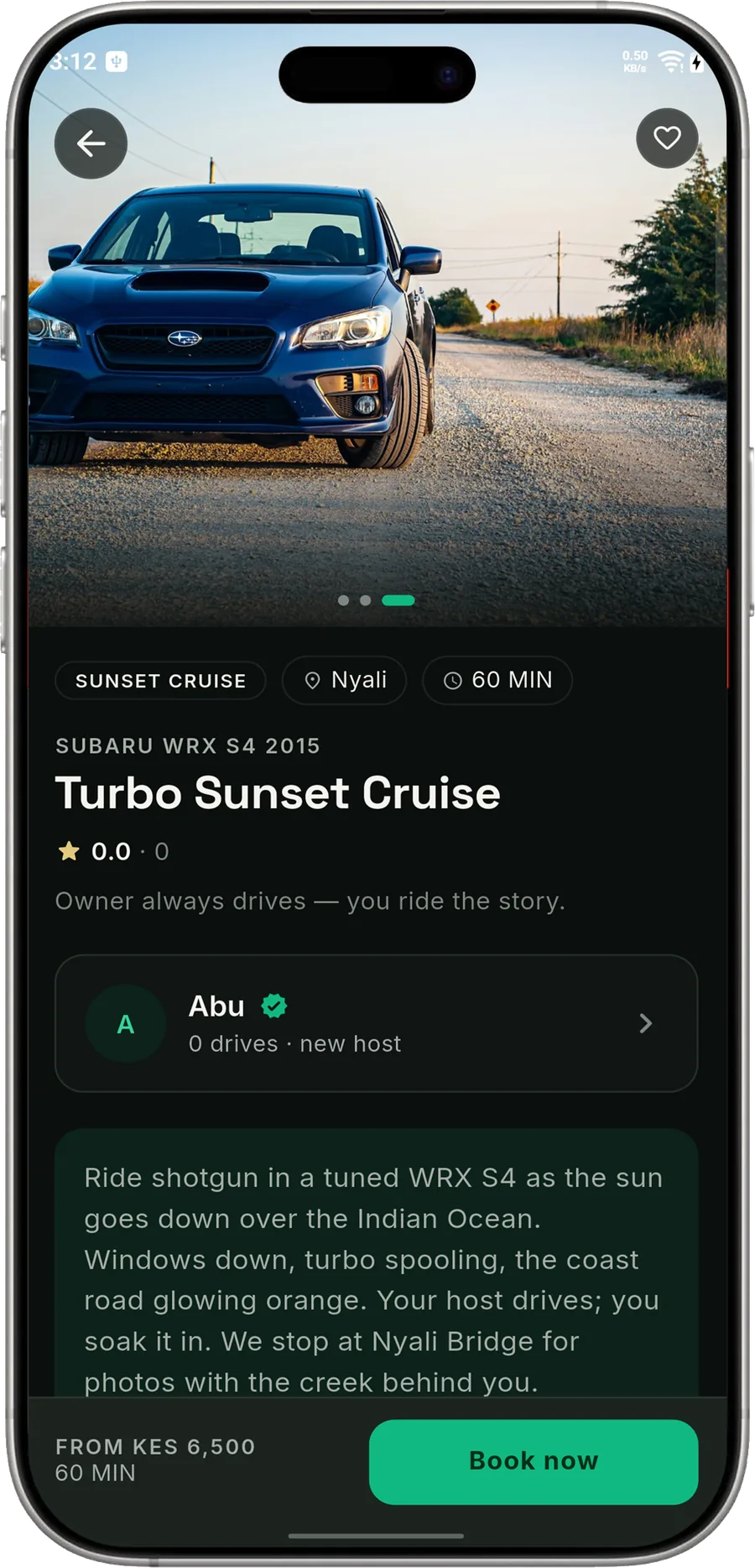
Read the listing
Photos, the route, duration, what is included, the rules, the meeting point on the map and the host's profile with rating and response time.
- 4
Send a request
Tap Book now. Pick a date the host works, a time slot, the number of guests (up to 3) and any add-ons such as a photo pack or extra time. The total and the deposit are shown before you send.
- 5
Wait for the host
The owner gets your request and accepts or declines. You are notified either way, and you can chat with them in the app.
- 6
Pay the deposit on M-Pesa
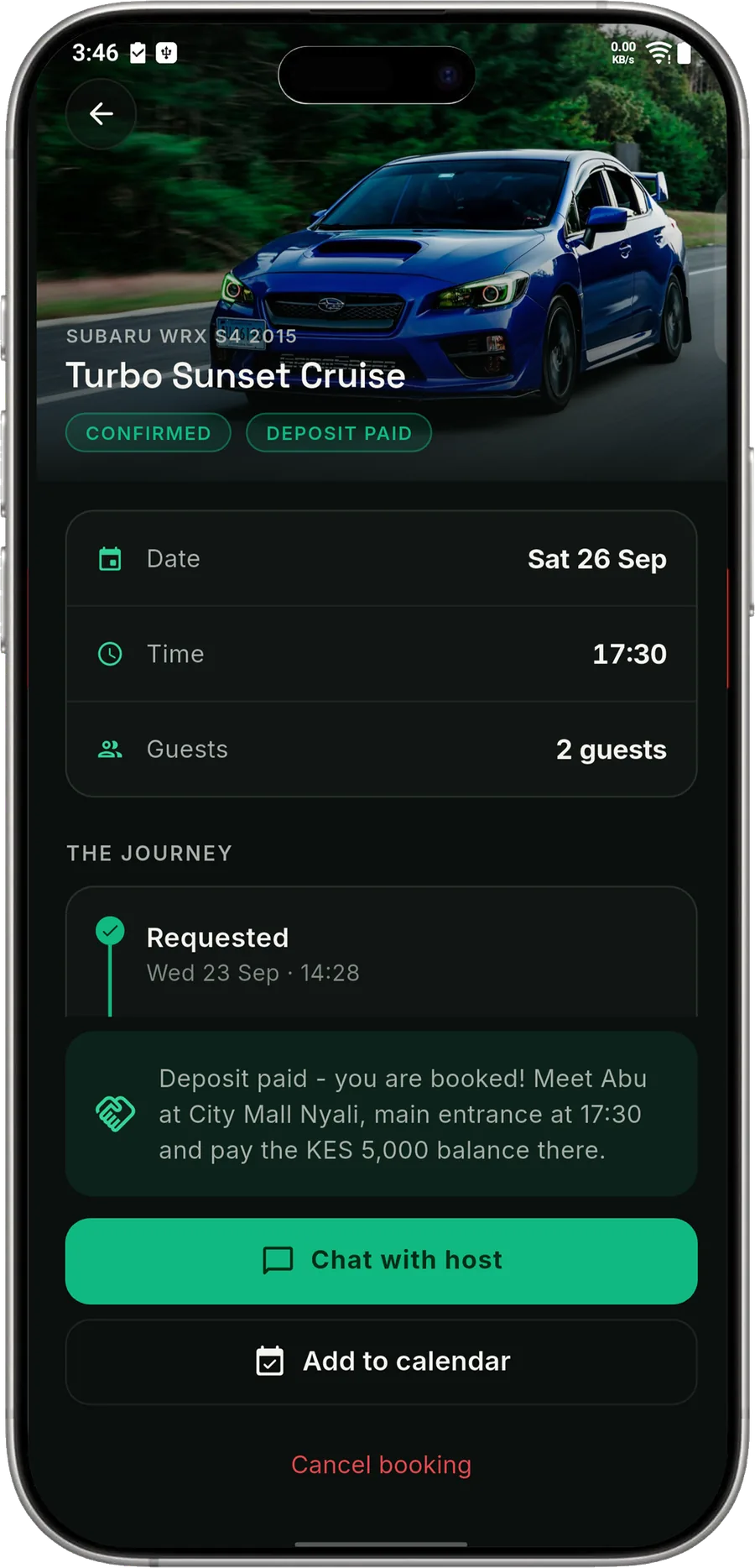
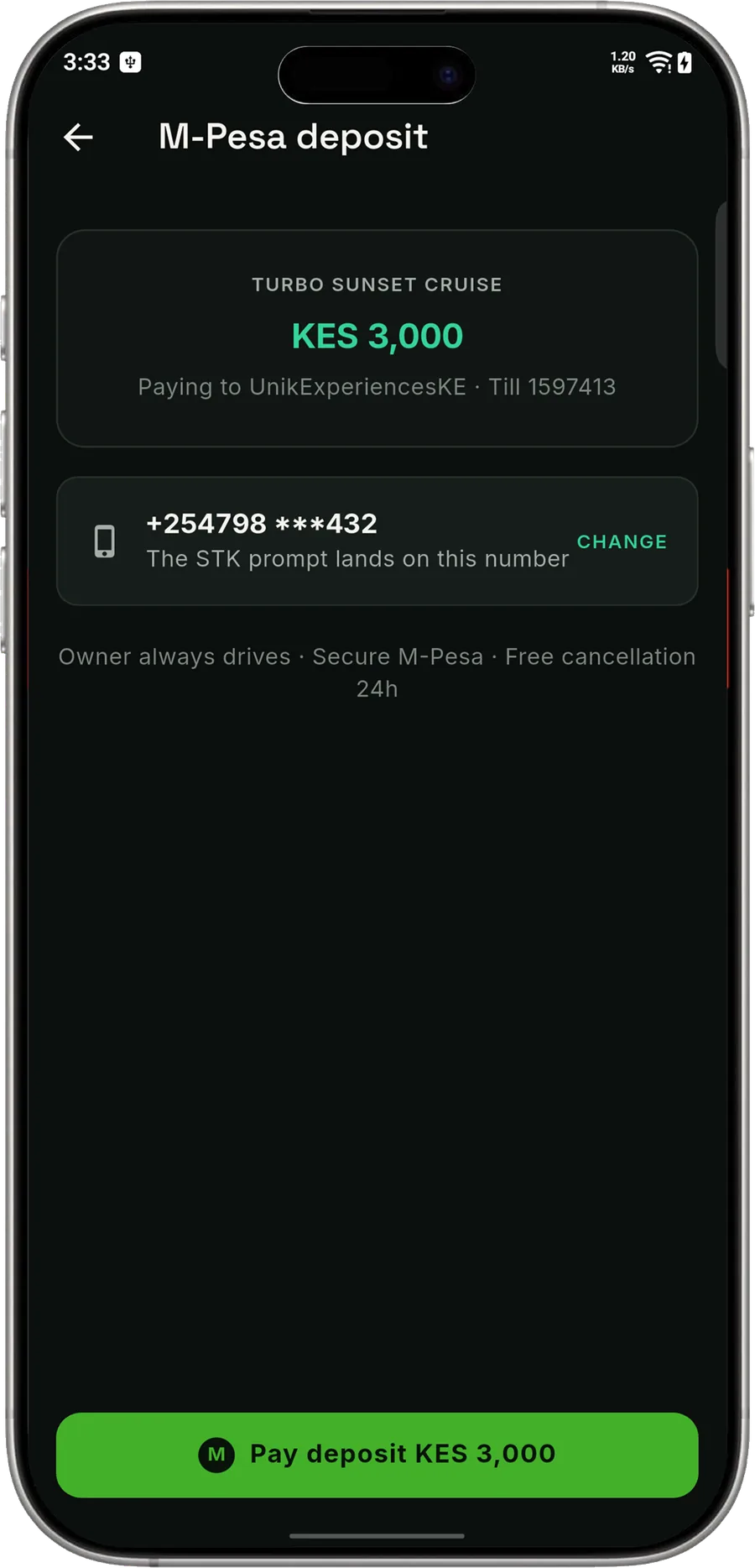
After acceptance you have 12 hours. Tap Pay deposit, confirm your number, and an M-Pesa prompt appears on your phone. Enter your PIN. The app shows the booking as Confirmed the moment Safaricom replies.
- 7
Get ready
Your confirmed booking shows the meeting point and time. Add it to your calendar with one tap. The app reminds you 24 hours and 2 hours before.
- 8
Meet, pay the balance, drive
Meet the host at the spot, pay the remaining amount in person, and enjoy the drive. The host marks the balance received and the booking completes.
- 9
Leave a review
Rate the experience and write a few words. You can edit your review for a short while after posting.
For car owners
Hosting a drive
- 1
Switch to hosting
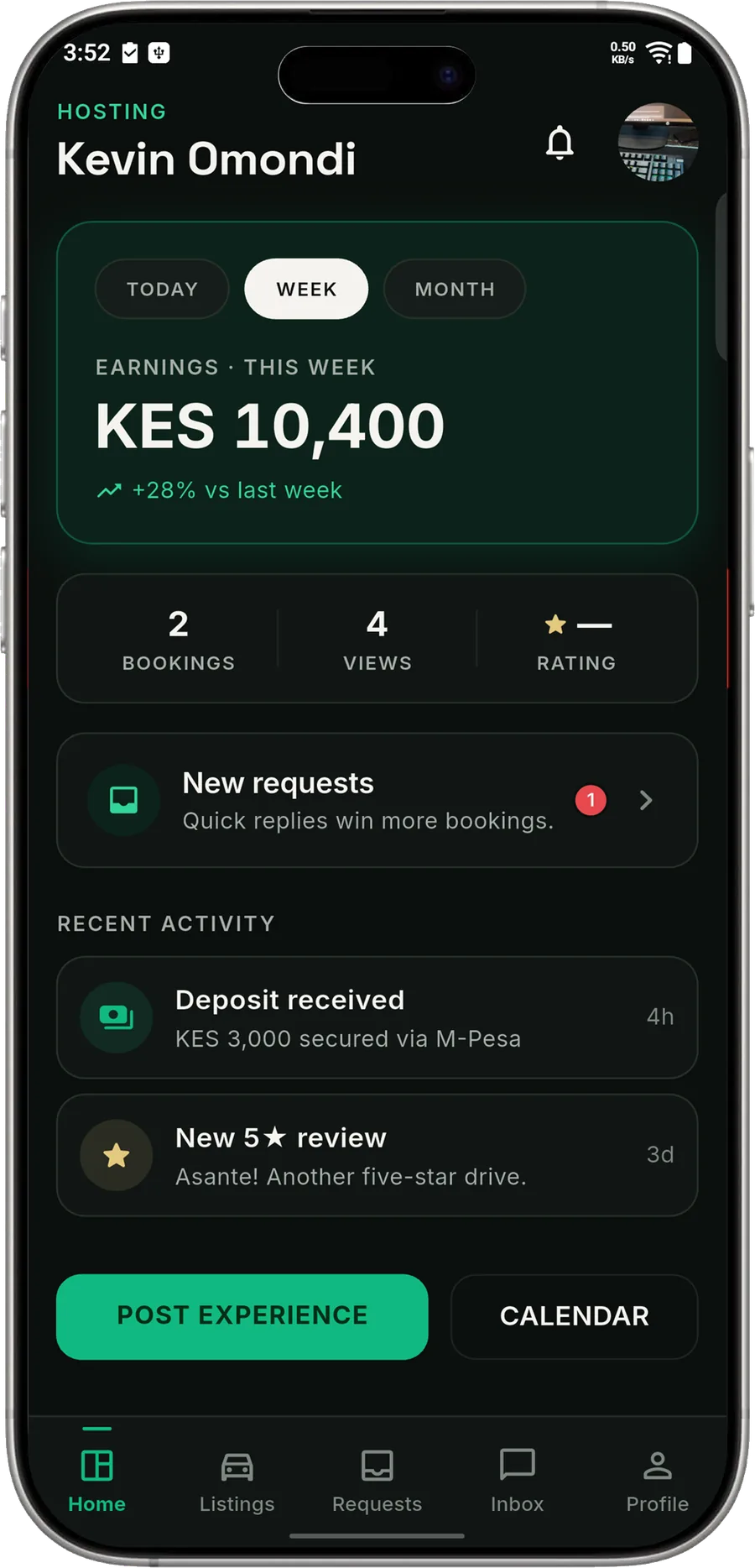
From your profile, tap Become a host. The app switches to the host side with its own tabs: Home, Listings, Requests, Inbox and Profile.
- 2
Get verified
Upload your national ID and your car's documents, and enter the M-Pesa number or Till you want payouts sent to. Our team reviews it and you get a verified badge.
- 3
Post an experience
A five-step form: the car and basics, pricing (price, deposit of at least 20%, add-ons), details (route, what is included, rules), photos and meeting point, then availability. Listings go live after a quick review.
- 4
Set your availability
Choose the days of the week you work and your time slots. From the calendar you can block a single slot or a whole day whenever plans change.
- 5
Answer requests
New requests show the rider, date, slot, guests and money split. Accept or decline with one tap. Quick answers improve your response time, which riders can see.
- 6
Meet and collect the balance
Once the rider has paid the deposit the booking is confirmed. Meet them, drive, collect the balance in person and mark it received. The booking completes.
- 7
Get paid
Deposits are held by Unik Ride Tales and paid out weekly to your M-Pesa, less the 20% service fee. Your dashboard shows earnings today, this week and this month, plus what is awaiting payout.

Get the app
The coast is waiting.
Free to download. Sign in with your Kenyan phone number and book your first drive tonight.
Free on Android and iPhone. Sign in with a Kenyan number.